Medicaid
Medicaid is a Lifeline-qualifying program. It does not itself award a free Apple iPad; a separate provider or community program must make the device offer.
Explore Medicaid optionsLooking for a free iPad or free government iPad in 2026? Start with eligibility, then check who provides the device, what it costs, and whether you keep it.

There is no nationwide federal program that guarantees an Apple iPad. Lifeline is primarily assistance for phone or internet service. Devices may come from separate school districts, colleges, libraries, nonprofits, local digital-equity programs or changing carrier offers. Availability, model, condition, ownership and cost vary by location and provider.
Medicaid, SNAP, student status and household income can help with screening. The device provider still sets the final rules.
Medicaid is a Lifeline-qualifying program. It does not itself award a free Apple iPad; a separate provider or community program must make the device offer.
Explore Medicaid optionsSNAP participation can establish Lifeline eligibility. Treat any “free iPad with EBT” claim as a provider offer that still needs cost and inventory checks.
Review EBT pathwaysSchool districts, colleges, libraries and nonprofits may lend or distribute technology. Enrollment, financial-need, residency and return rules differ.
See student programsIncome-based assistance, local grants and refurbished-device programs may help. Search locally and confirm whether a tablet is owned, loaned or financed.
See family optionsA student borrowing a device for one semester needs something different from a household that wants to keep the tablet. Decide what matters first, then compare the options.
Ask the school district, campus library, student-affairs office and financial-aid team about loan inventories, technology grants and emergency support. A school-issued iPad may remain institution property, carry required apps or filters, and need to be returned at the end of a term. Confirm accessory, repair and replacement rules before accepting it.
Start with the service need. Lifeline can lower an eligible household’s monthly internet or bundled-service cost, while the tablet itself may come from somewhere else. A low-cost device without affordable connectivity may not solve the underlying problem, so compare Wi-Fi availability and cellular-plan costs together.
Libraries and community organizations may offer device lending, digital-skills support or refurbished hardware. Ask whether the operating system still receives security updates and supports the apps you need for job portals, telehealth visits, benefit accounts and video calls. A reliable Android tablet may be more useful than an older unsupported iPad.
Prioritize programs that clearly transfer the device to you. With carrier promotions, ownership may follow a financing schedule even when the advertised monthly device charge is offset by bill credits. With nonprofits, ownership may be immediate but warranty coverage can be limited. Get the condition and ownership terms in writing.
Use this table to compare who provides the device, what it may cost, and what you should check before applying.
| Eligibility source | Who provides the device | Likely device type | Cost / terms | What to verify |
|---|---|---|---|---|
| Lifeline-eligible household | Participating telecom provider, if it has a separate offer | Usually basic Android tablet; iPad uncommon | Service discount; device fee or plan may apply | Provider participation, device price, service and inventory |
| Student enrollment or need | School district, college, library or nonprofit | iPad, Chromebook or Android tablet | Free loan, term loan or ownership grant | Return date, damage policy, filters and graduation rules |
| Income or local residency | Community nonprofit or digital-equity program | Donated or refurbished tablet | Often no cost or a modest refurbishment fee | Organization identity, condition, warranty and support |
| Commercial credit / plan | Carrier or internet provider | New Apple iPad or other tablet | Financing and bill credits; taxes or activation possible | Plan cost, credit duration, cancellation balance and trade-in |
| Giveaway entry | Business, charity or promotion sponsor | Advertised prize model | No purchase should be necessary for legitimate sweepstakes | Official rules, odds, deadline, sponsor and privacy terms |
Lifeline is a federal benefit administered by USAC that lowers the monthly cost of qualifying communications service. It is not a standard device giveaway.
You may qualify through Medicaid, SNAP, SSI, Federal Public Housing Assistance, or Veterans Pension or Survivors Benefit, or through income. Most consumers use the National Verifier to establish eligibility. Tribal benefit amounts and qualifying programs can differ.
| Household | 48 states / DC | Alaska | Hawaii |
|---|---|---|---|
| 1 person | $21,546 | $26,933 | $24,786 |
| 2 people | $29,214 | $36,518 | $33,602 |
| 3 people | $36,882 | $46,103 | $42,417 |
| 4 people | $44,550 | $55,688 | $51,233 |
| Each additional | +$7,668 | +$9,585 | +$8,816 |
Figures shown for 2026 Lifeline income screening. Household definitions and proof requirements matter; confirm your result with the National Verifier.

Searches for a government free iPad often blend two separate ideas: a benefit that proves household eligibility and an organization that has tablets to distribute. Medicaid or SNAP may help demonstrate eligibility for Lifeline, but neither program guarantees hardware.
The device itself can come from a school technology program, a college emergency-aid fund, a library lending collection, a nonprofit refurbishment project or a city digital-equity initiative. Some programs prioritize students, job seekers, older adults, people with disabilities or residents of a defined service area.
Local screening is usually specific. A school district may restrict equipment to currently enrolled students and require a signed acceptable-use agreement. A college may reserve emergency technology funds for students with documented financial need. A library may lend a tablet only to cardholders in good standing, while a nonprofit may limit distribution by county, age, household income or participation in a workforce program. Ask whether applications are continuous or open only during a short funding window.
When inventory is limited, request the written waiting-list policy and ask whether equivalent equipment is available. A current Apple iPad may not be an option even when a program has useful technology. Accepting a supported Android tablet or Chromebook can be the more reliable choice if it runs the required school, work, accessibility or telehealth apps.
Ask whether the device is an Apple iPad, an Android tablet or another product; whether it is new or refurbished; and whether you keep it.
Verizon, T-Mobile, Xfinity and Spectrum may advertise tablet promotions. Check the service cost, financing schedule, bill-credit period, taxes and cancellation terms before deciding whether the offer fits your budget.
Inventory and qualification can vary by market, account status and credit approval. A promotion described as a free iPad with phone or internet service may require adding a tablet line or keeping an eligible plan for the entire credit period. Xfinity and Spectrum offers can also depend on whether you already have home internet or mobile service. Save a dated copy of the terms you accepted, because the offer available when you enroll may differ from a later advertisement.
A $0 promotional price is not always a zero-cost outcome. The tablet may require a new service line, device financing repaid through monthly bill credits, a trade-in, taxes, activation, or continuous service for 24–36 months. Canceling early may end credits and make the remaining device balance due. Compare the total service cost you would pay anyway, not only the checkout price.
Apple iPad inventory is often limited because it costs more than entry-level hardware. A refurbished tablet, Android tablet, Chromebook or library loan can still support email, video calls, job applications, school portals, telehealth and everyday web access.
Ask about battery health, charger inclusion, warranty, operating-system support and data wiping.
A Wi-Fi-only tablet avoids a cellular plan but still needs dependable home or public internet.
Confirm return dates, damage charges, content filters and whether the device stays yours.
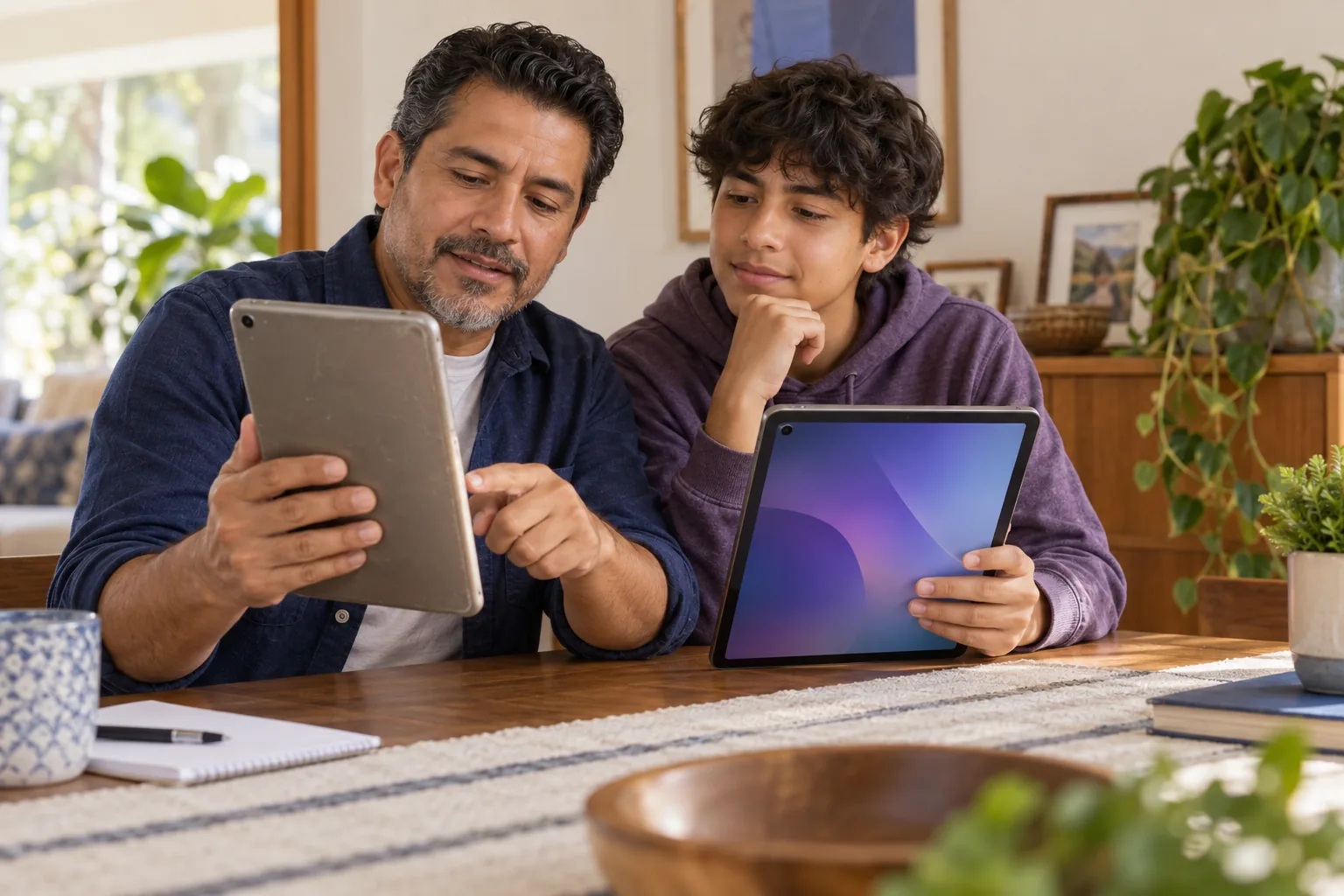
A tablet only creates value when its hardware, connectivity and support match the job your household needs it to do.
For a refurbished device, ask about battery health, screen damage, charger inclusion, warranty coverage and the operating system’s remaining security-update period. Confirm that the device has been factory reset and is no longer tied to a previous owner or organization. If a program lends the tablet, identify who handles repair, replacement and accidental damage. A no-cost device that cannot run a required school or work app may not solve the underlying need.
A Wi-Fi-only iPad or Android tablet has no recurring cellular charge, but it still depends on reliable home, school, library or public internet. A cellular model can work away from Wi-Fi, yet it may require a data plan that costs more than the device. Ask whether service is included, optional or mandatory; whether a hotspot can be used; and whether data limits, speed reductions or content filters affect video classes, telehealth or job interviews.
Use the organization’s current accepted-document list instead of sending every record you have. Check that each statement shows the required name, date and benefit or income information. Keep a copy and confirmation number. If a document request arrives through an unsolicited text, social message or unfamiliar form, return to the organization’s official website and contact its published support channel before uploading identity, address, income or benefit records.
Move from eligibility to the exact device terms in a consistent order.
Find the official school, nonprofit, provider or agency page instead of relying on a copied social post.
Check the benefit, income, enrollment, age, location and household rules that apply.
Add device, service, tax, activation, financing, shipping and early-cancellation costs.
Submit documents only through a verified organization’s secure channel.
Requirements vary by program and provider. A Lifeline application, school loan and nonprofit distribution can each request different evidence.
Benefit proofCurrent program statement, notice or approved participation record.
Income proofTax return, pay stubs or another accepted household-income record.
Identity and addressAccepted ID plus current residential evidence when required.
School enrollmentStudent ID, enrollment letter or financial-aid status for education programs.
A polished form is not proof of an official offer. Pause when the source or payment request does not make sense.
Reference checked: FCC ACP advisoryThese profiles use representative research paths rather than verified customer testimonials. The photos make the examples easier to follow, while the eligibility and offer details still need to be checked for each household.
 School device path
Maria starts with her daughter’s district portal and checks whether the school lends tablets for the academic year. Before signing, she reviews the return date, damage policy and home-use rules.
 Benefits + local nonprofit
Devon confirms that SNAP can support Lifeline eligibility, then treats the device search as a separate step. He compares local refurbished-tablet programs and checks whether any cellular plan is required.
 Carrier vs. library
Alicia compares a carrier iPad promotion with a library loan for short-term coursework. She totals the full service commitment instead of comparing only the advertised device price.
Start with the route closest to your situation, then compare the actual device source, eligibility rules and total cost.
Short answers to the most common free iPad, Lifeline and tablet-access questions.
Reviewed for program-date accuracy and source links
Last reviewed September 17, 2026No nationwide federal program guarantees an Apple iPad. Some schools, nonprofits and local digital-equity programs distribute devices, while Lifeline primarily discounts eligible phone or internet service.
Medicaid may establish Lifeline eligibility, but it does not directly guarantee an iPad. A separate provider or community program must offer the device and may have additional rules.
SNAP participation can qualify a household for Lifeline, but an EBT card is not an automatic iPad benefit. Confirm the organization, device, fees and current inventory.
Lifeline is primarily a monthly phone or internet service discount. A device promotion from a participating provider is separate from the federal benefit.
Some school districts, colleges, libraries and nonprofits lend or distribute tablets. Enrollment, residency, financial-need, ownership and return conditions vary.
Check Lifeline service assistance, school device programs, libraries, nonprofits, municipal digital-equity projects and carefully reviewed carrier offers. Local availability matters.
No. A $0 promotional device can require service, financing, bill credits, taxes or activation. If you cancel early, a remaining device balance may become due.
A refurbished or loaned Android tablet may be easier to obtain than an iPad. Compare condition, software support, ownership, connectivity and total cost.
No. ACP ended June 1, 2024. An offer that claims routine ACP enrollment remains open in 2026 is using outdated information.
No. freeipadgov.com is an independent informational publisher. It is not affiliated with the FCC, USAC, Apple or any government agency.

Check eligibility, identify who actually supplies the device, and compare every cost and condition before you continue.
Compare tablet pathsBefore this page is updated, we check program dates, eligibility rules, document requirements and the terms attached to device offers.